
Let Harvest users track time from your app

Add Harvest timers with a few lines of code

Build robust integrations with the Harvest API
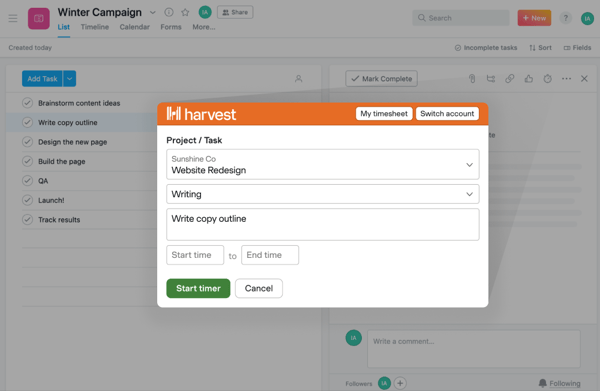
The Harvest Button
Add time tracking with a small button
Looking to add Harvest time tracking to your app with minimal changes to the UI? The Harvest Button allows users to open a Harvest timer in your app by clicking a small button.
Implement the Harvest Button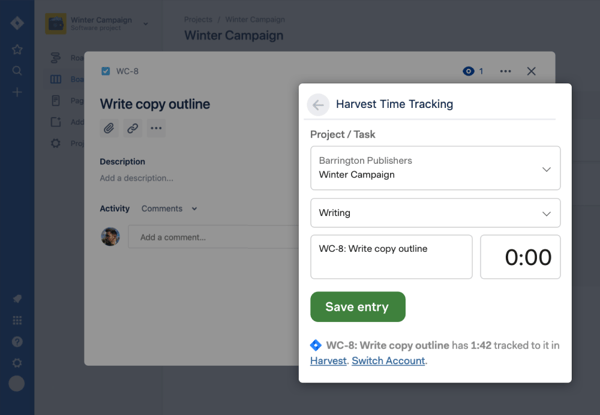
The Harvest Widget
Add time tracking with a full Harvest timer
To add the entire Harvest timer to your UI, use the Harvest Widget. Your users will be able to start a Harvest timer right from your app with just a few clicks.
Implement the Harvest Widget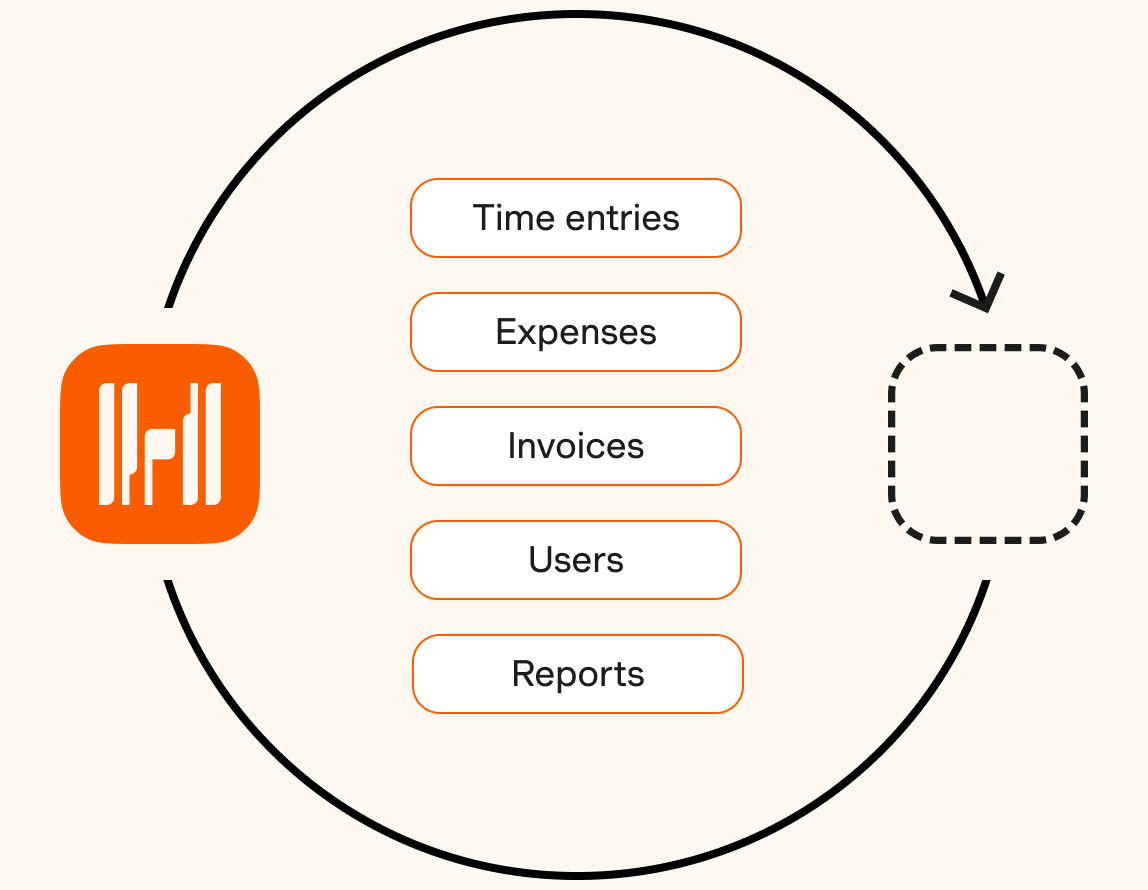
The Harvest API
Build robust custom integrations
To take your integration beyond time tracking, use the Harvest API to access and manipulate Harvest data, write automated scripts, and more.
Browse the API documentation
Add your integration to the directory
Already built an integration with Harvest? List it on our site so Harvest customers can discover it.
Submit your integration