Integrate Harvest with 200+ apps, databases, and data warehouses
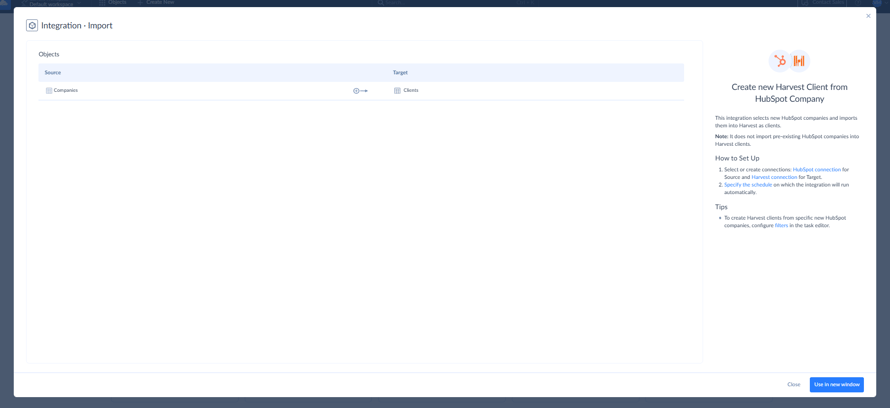
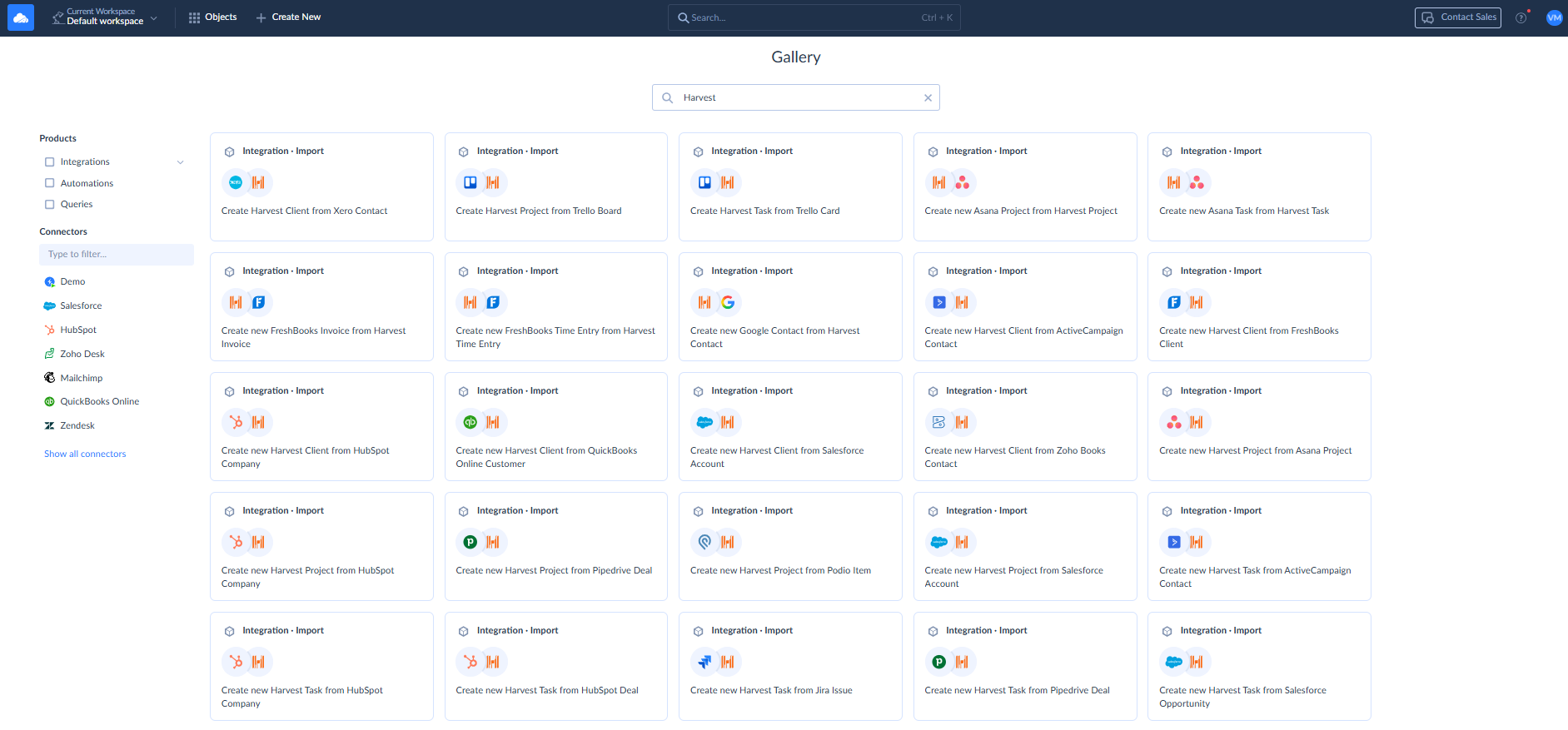
Skyvia is a no-code cloud data integration platform that helps you connect Harvest with 200+ SaaS applications, databases, data warehouses, and file storages. Integrate Harvest with Salesforce, HubSpot, QuickBooks Online, Google Sheets, SQL Server, PostgreSQL, and other business systems to keep time tracking, project, client, and other business data connected.
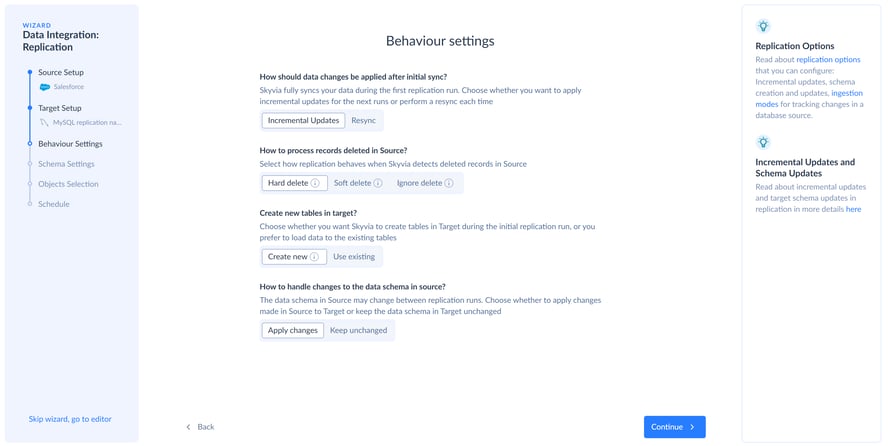
Use Skyvia to replicate Harvest data to Snowflake, Google BigQuery, Amazon Redshift, or relational databases for reporting and analytics. Build ETL/ELT pipelines, import and export Harvest data, synchronize records between Harvest and other business applications, or automate recurring data workflows without writing code.
Skyvia provides visual mapping and transformation to connect systems with different data structures. You can schedule integrations, monitor execution history, review detailed logs, and receive notifications when issues occur. CSV import and export are also supported, giving teams another flexible way to move Harvest data between systems.
How to get started with Skyvia
- Sign up for Skyvia and start with a free trial*
- Create a Harvest connection in Skyvia using your Harvest credentials.
- Choose the integration scenario you need, such as Import, Export, Replication, Synchronization, or Data Flow.
- Select Harvest as a source or target and connect it with the other app, database, or data warehouse.
- Configure mappings, filters, transformations, and scheduling as needed.
- Run the integration and monitor its execution through Skyvia logs and notifications.
*The free trial lets you explore Skyvia's integration capabilities before choosing a paid plan.